
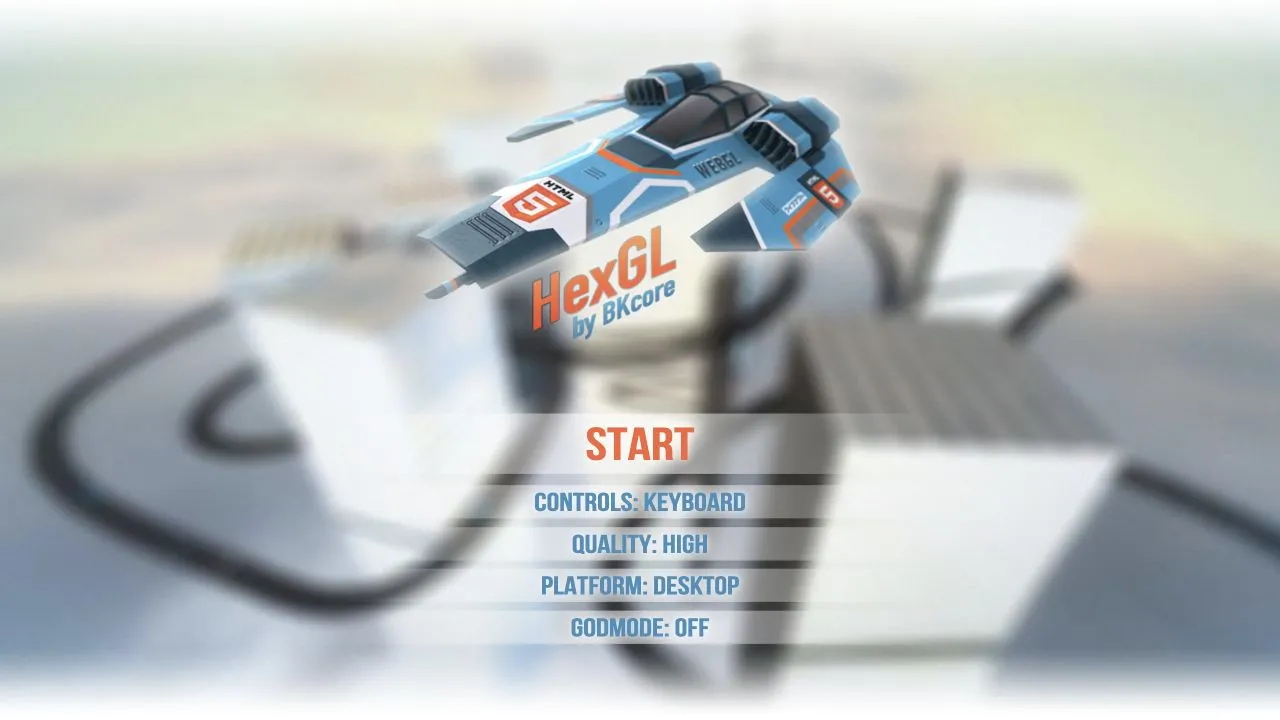
HexGL is a futuristic HTML5 racing game from BKcore. The project’s GitHub profile identifies HexGL as its source code, and the browser host exposes a start screen with options including Quality, Platform, Godmode, and a Click/Touch to continue prompt. The page currently labels the platform option as Desktop.
HexGL: menu, loading and race are separate stages
The October 12, 2026 Chrome check displayed START, CONTROLS: KEYBOARD, QUALITY: HIGH, PLATFORM: DESKTOP and GODMODE: OFF. These are the observed defaults for that visit; check the live labels before following the same route.
- Open the host and wait for those start-menu controls.
- Leave the settings at their displayed defaults for a first comparison and select START.
- The next screen says Click/Touch to continue. Select it once; reaching that prompt is an intermediate stage, not proof that a race has started.
- Wait for the rendered track, vehicle and race HUD. In the checked Chrome session, the view initially appeared black before a subsequent observation showed the track.
- Focus the game and try the keyboard input selected by the menu. An Up-arrow input was followed by a visible race scene with the vehicle and a 1/3 lap indicator. This checks an opening race/input state, not a completed lap or a measured performance result.
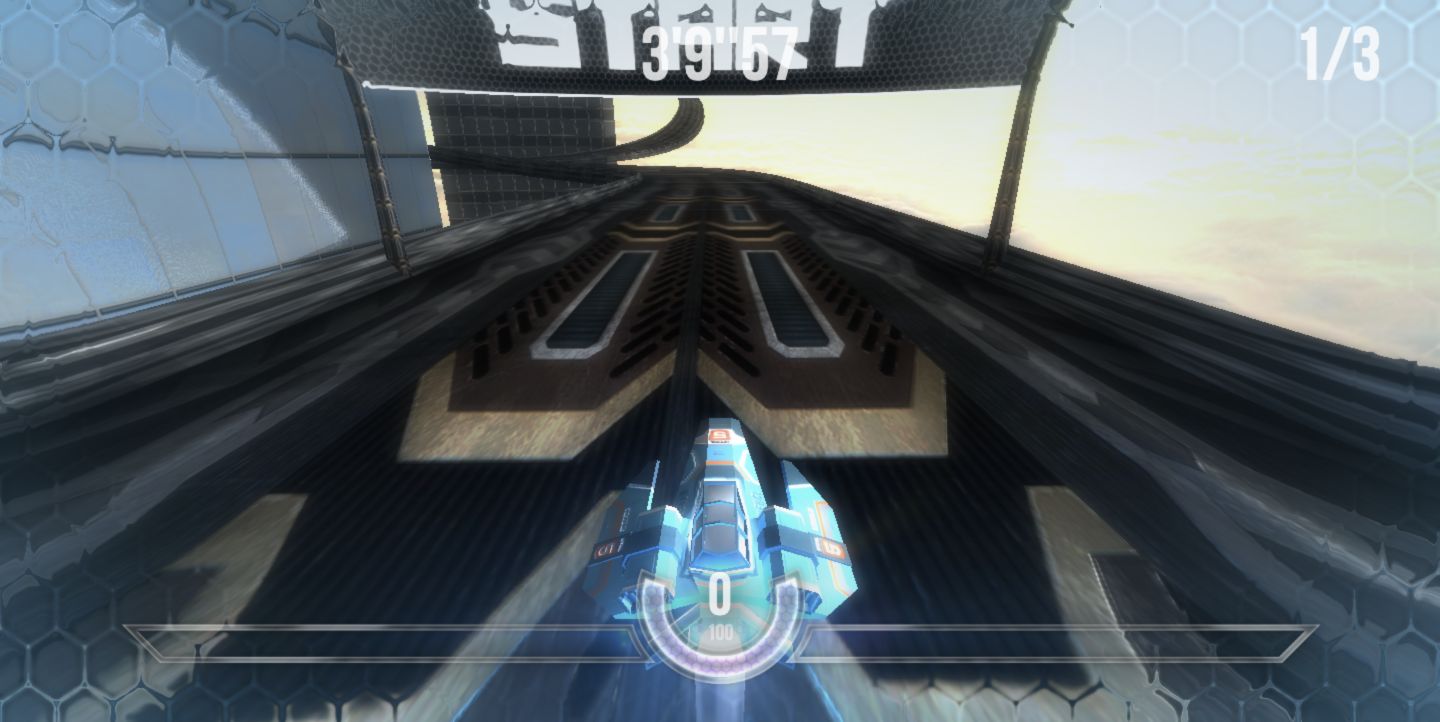
Rendered race checked October 12, 2026. The on-screen race clock is not a measured loading duration or an FPS benchmark.
Distinguish a blank view from a confirmed failure
A missing text label after the continue prompt does not necessarily mean the game has stopped: the race is drawn as graphics, and may expose little text to a browser accessibility tree. Look for the actual track and HUD before judging the result from page text alone.
The embedded-browser check remained black at the inspected stage; in a regular Chrome tab, an Up-arrow input was followed by a later observation of the rendered track, vehicle and first-lap HUD. This comparison does not identify a universal cause, or prove that another embedded browser will fail. It gives a practical next check: try the same host in a regular desktop tab, keep the launch route and defaults consistent, and record where the two sessions differ.
Do not repeatedly click START or reload while the scene is still transitioning. If the view stays blank, check the connection and any visible host message before changing settings. A High quality label names an option, not a guaranteed frame rate. This guide does not claim a completed three-lap race, physical-phone performance, saved race results or multiplayer behavior from the opening check.
Desktop and browser requirements
The current host calls out Desktop, so begin on a desktop-style browser if you want to follow its own opening setup. Browser graphics games can depend on graphics acceleration, WebGL availability, extensions, and available memory. If the page shows a compatibility message, read it before changing anything.
Keep the game tab active as it loads. If clicking does not continue, first check that a browser dialog or overlay is not intercepting the click. If the game surface has focus but input still does not work, reload once and compare a current browser. The external project controls its own settings; this guide does not modify the game or send configuration to it.
If loading stalls or the display is incomplete
Give the first load a little time, then retry once rather than repeatedly refreshing. A blank or broken graphics surface can indicate browser capability, a content-blocking extension, an interrupted asset load, or a temporary host problem. Note the visible message and browser version if you need to ask the project for help.
Use the browser game troubleshooting guide for safe checks involving a browser update, hardware acceleration, and site data. Do not disable security protections or accept unexpected downloads to make a browser game run.
For another project whose browser compatibility screen mentions graphics support, see Minecraft Classic. The game directory groups every source-checked external host by category.
Sources
Check the sources below for current product details, requirements and terms.