
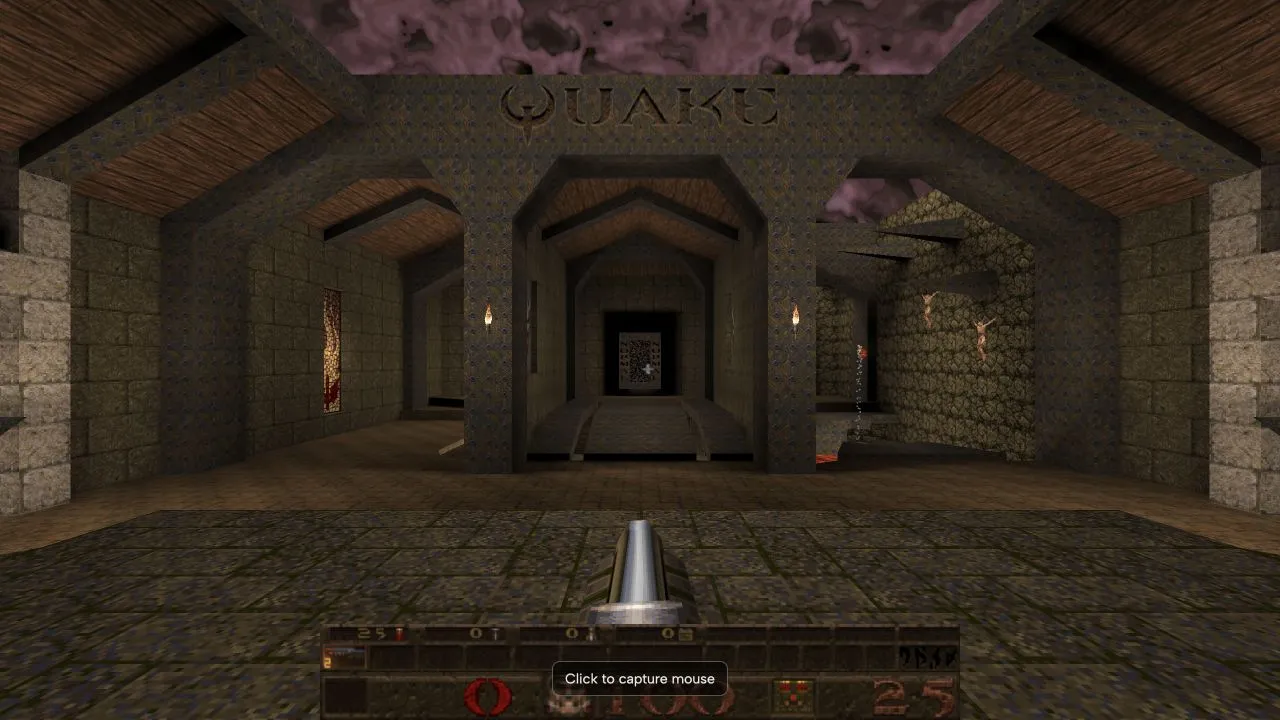
Quake
Start Episode 1 in NetQuake and learn how the new-game menu differs from its demo.
In-game state checked ·
Access: Browser hostFiles: Episode 1 is free; full game uses your pak1.pak
INDEPENDENT BROWSER GAME DIRECTORY
Browse 15 independently hosted browser games. Each listing shows what the host asks for before you leave this site: a browser link, an account, or original game files.
BROWSER GAMES
Showing 15 games.
Kept on this browser. No account needed.
Filter by type
START WITH A NEED
Start Episode 1 in NetQuake and learn how the new-game menu differs from its demo.
In-game state checked ·
Access: Browser hostFiles: Episode 1 is free; full game uses your pak1.pak
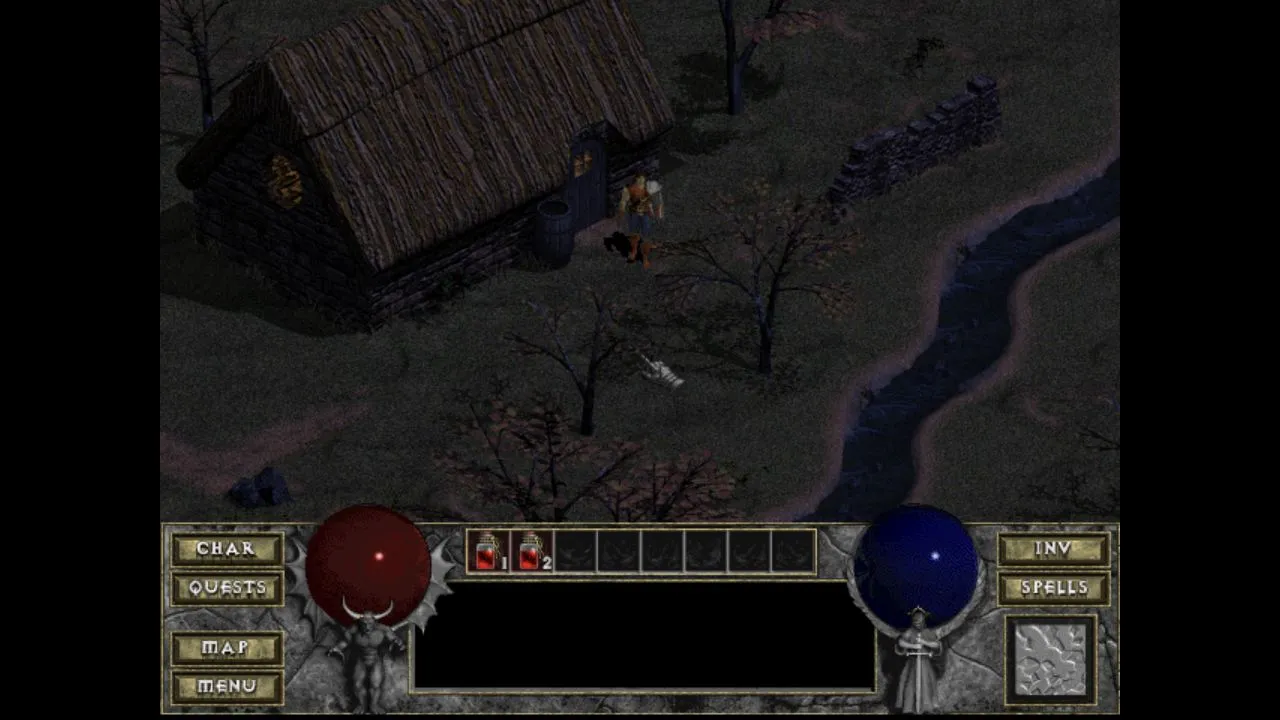
Choose DiabloWeb shareware or your own game data, then follow the single-player startup steps.
In-game state checked ·
Access: Browser hostFiles: Shareware is available; full game uses your DIABDAT.MPQ
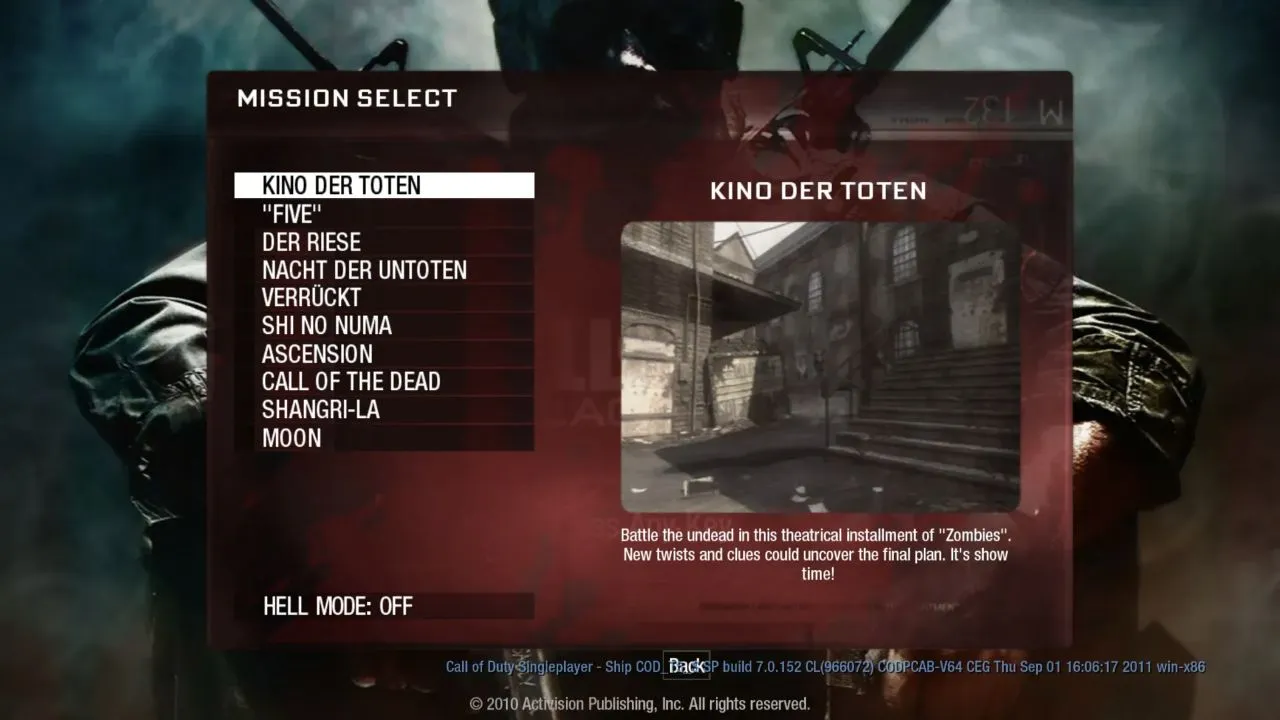
Find the map selector, understand Kino’s download stage and troubleshoot mouse access.
Entry problem recorded ·
Access: Confirm with hostFiles: Confirm with host
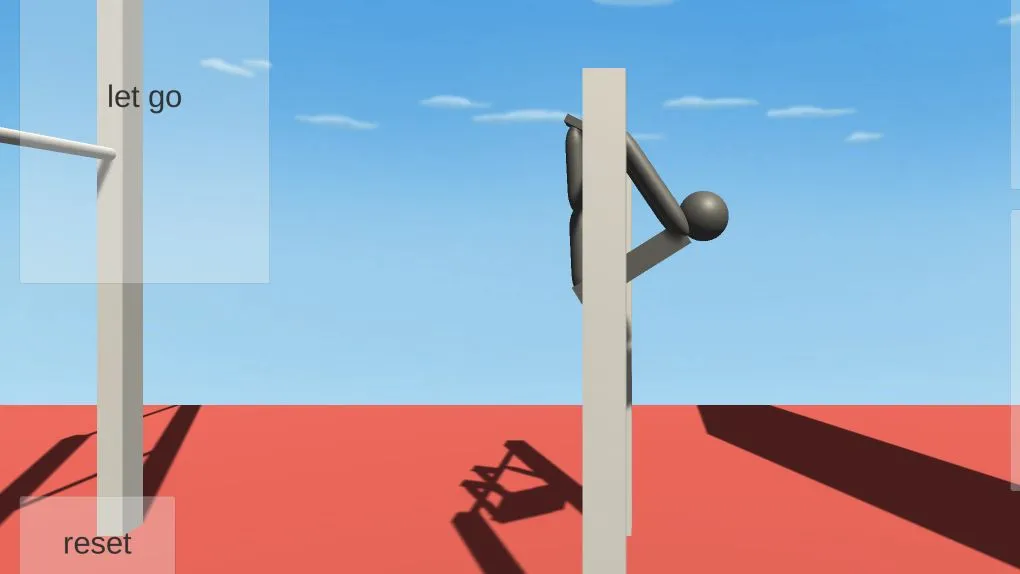
Run this in-development HTML5 simulation with the host’s keyboard controls.
In-game state checked ·
Access: Browser hostFiles: No original game file required
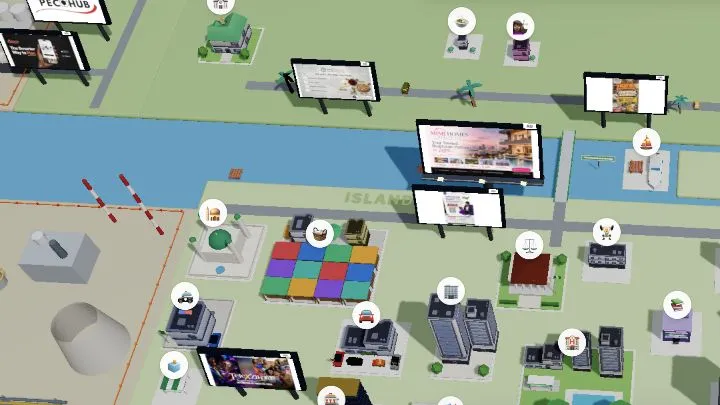
Create or sign in to a Lagos Life account before starting your story.
Host page checked ·
Access: Host sign-up or loginFiles: No original game file required
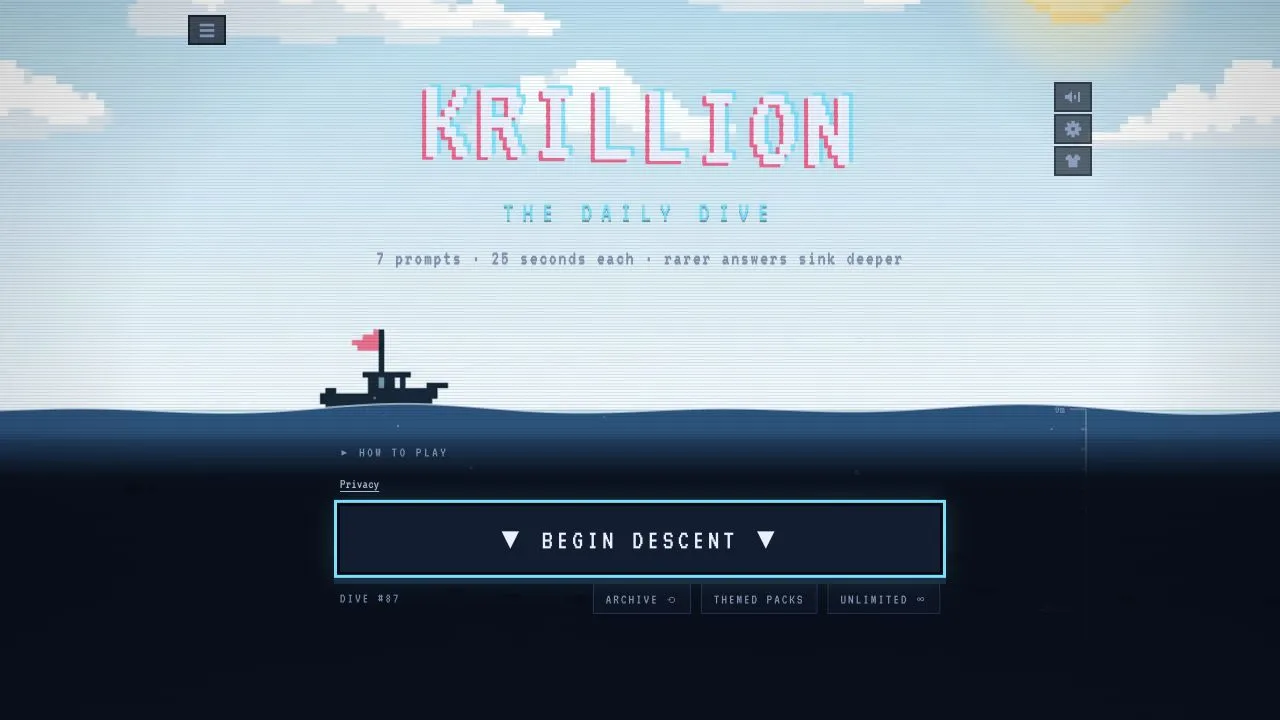
Choose a daily, unlimited, archive or themed trivia dive from the host.
In-game state checked ·
Access: Browser hostFiles: No original game file required
Open the official daily word game from its host.
In-game state checked ·
Access: Browser hostFiles: No original game file required
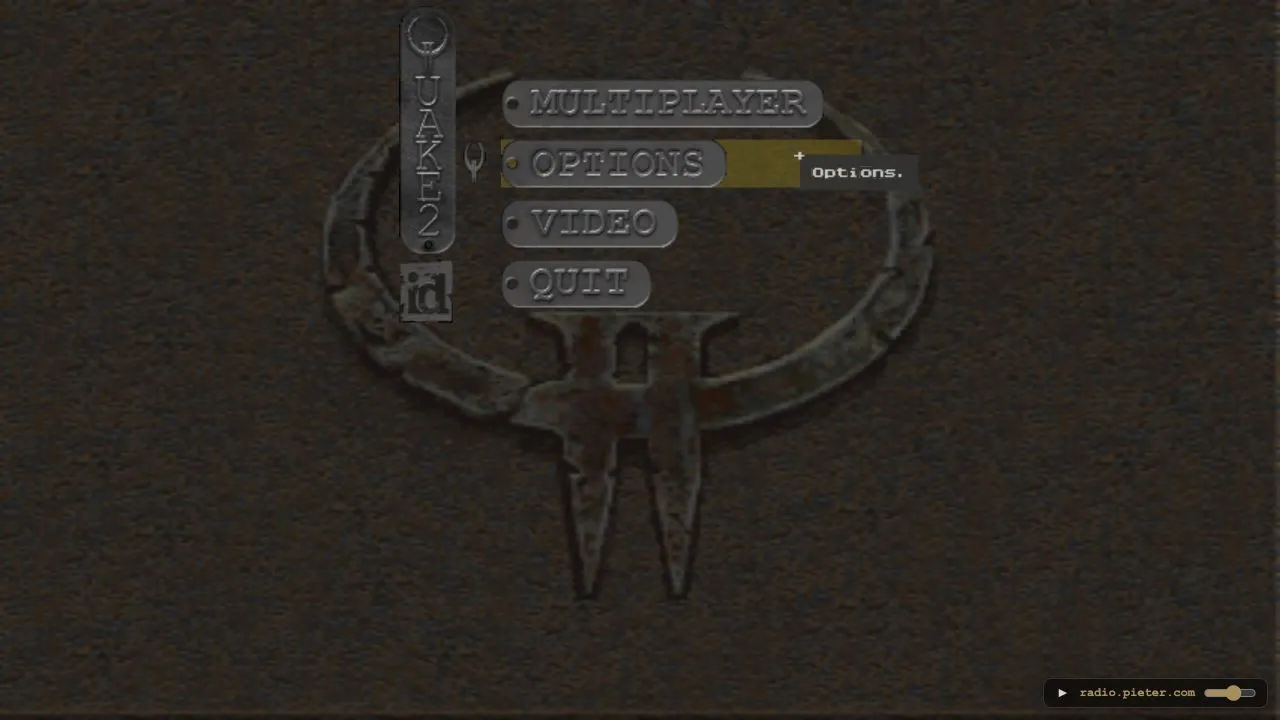
Set a player name and enter this unofficial Quake II browser preservation project.
Entry problem recorded ·
Access: Browser hostFiles: No original game file required
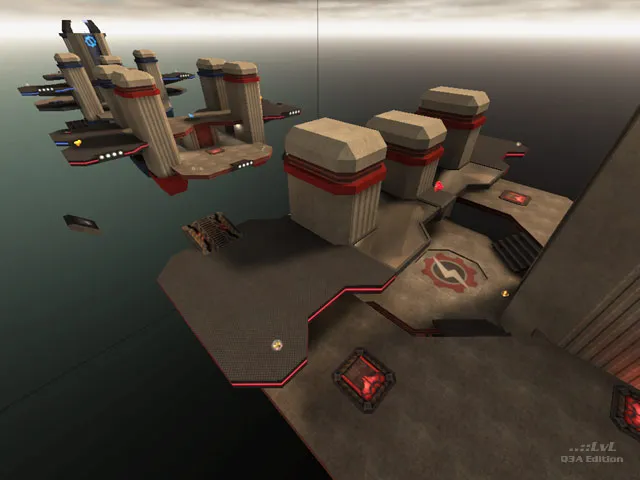
Set a player name and join the current map on this unofficial Quake III browser project.
Host page checked ·
Access: Browser hostFiles: No original game file required
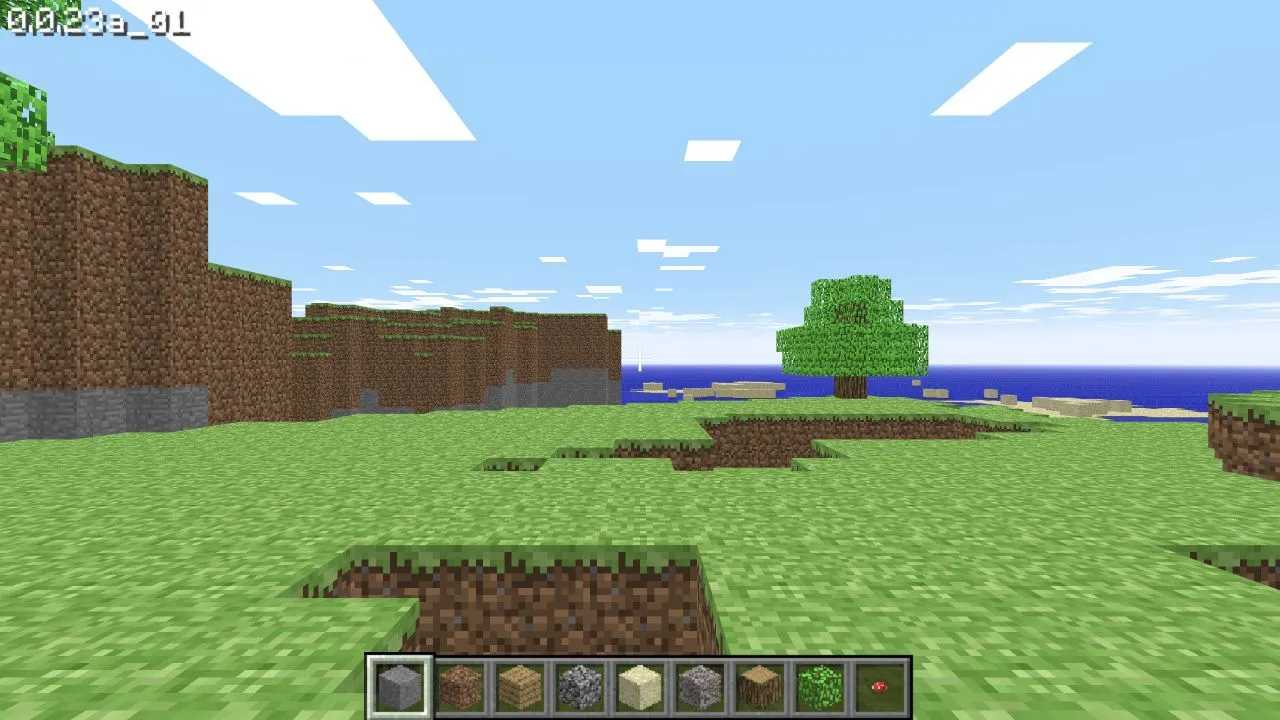
Open Minecraft Classic in a browser that supports its keyboard, WebGL, and WebRTC checks.
In-game state checked ·
Access: Browser hostFiles: No original game file required
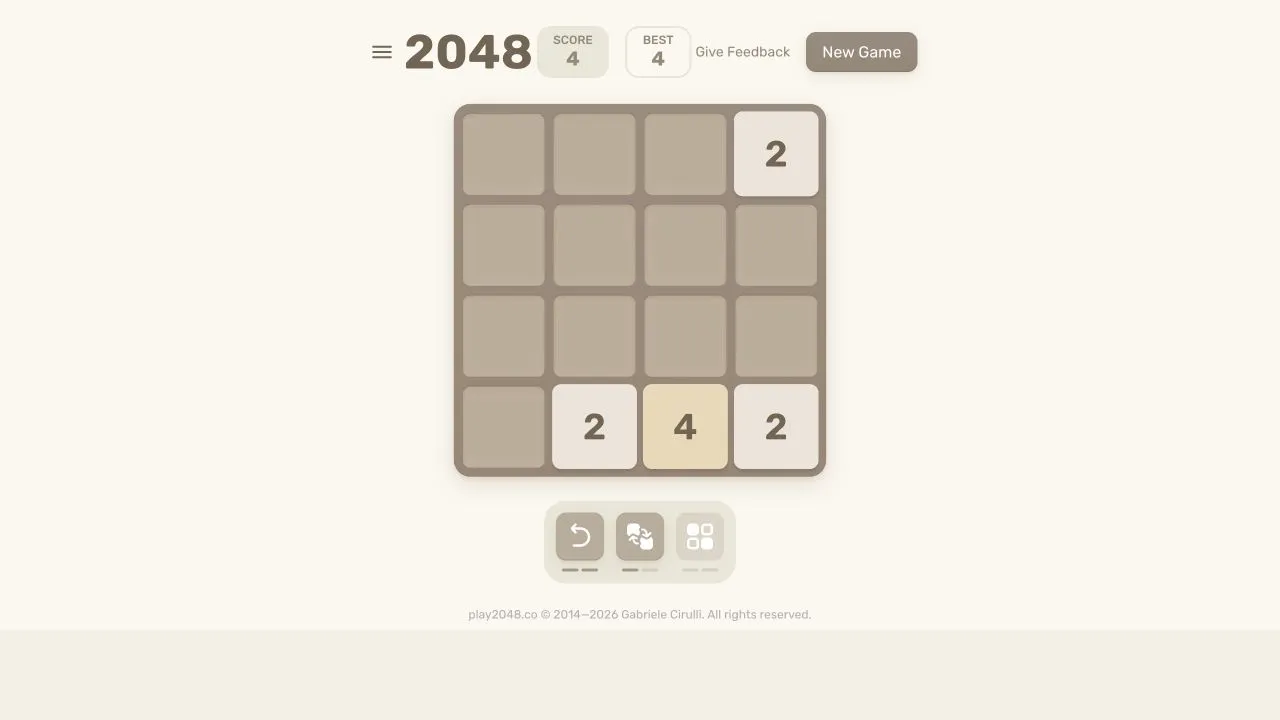
Open the 2048 browser host and use a JavaScript-enabled browser to start a tile board.
In-game state checked ·
Access: Browser hostFiles: No original game file required
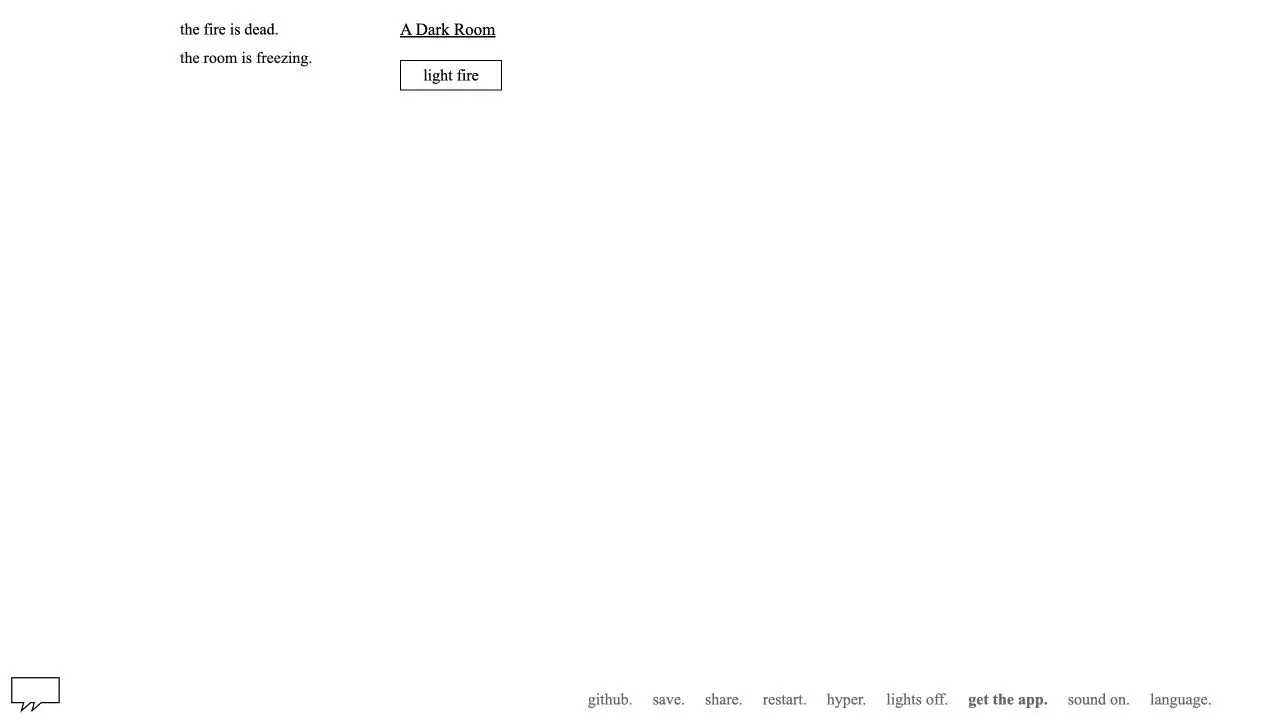
Start the open-source browser text adventure from Doublespeak Games.
Opening menu checked ·
Access: Browser hostFiles: No original game file required
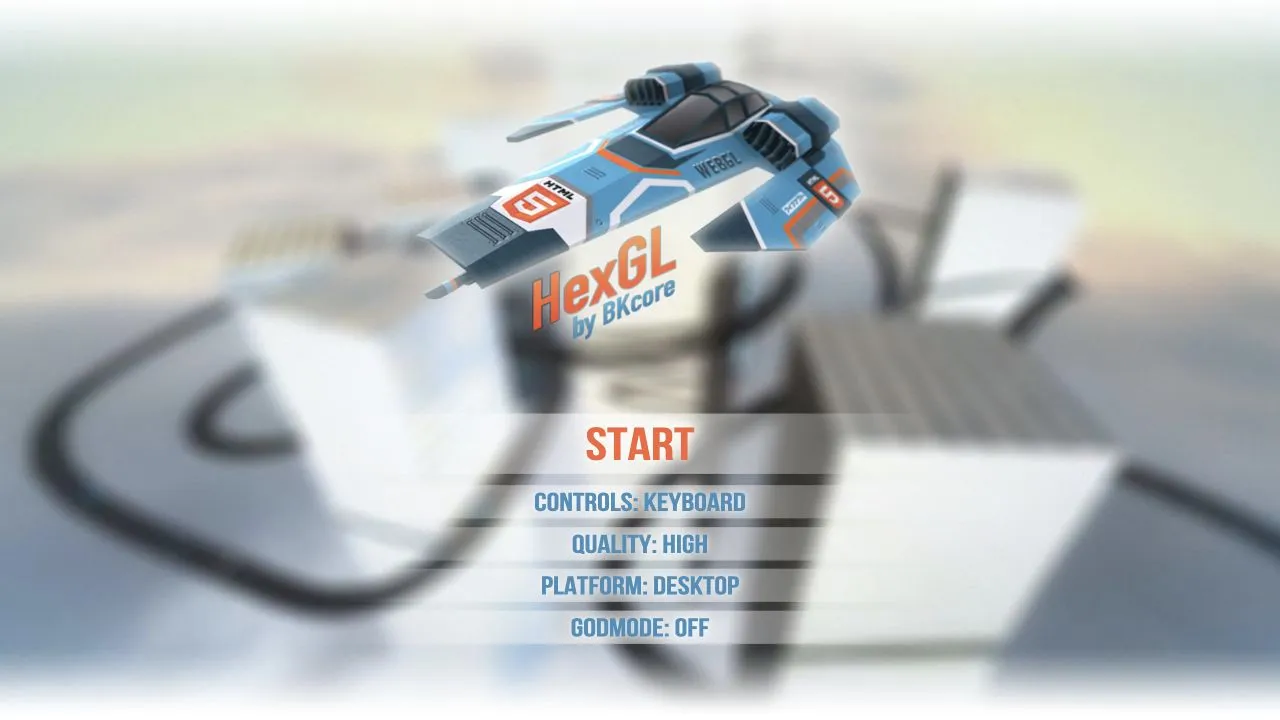
Open BKcore's futuristic HTML5 racing game and choose its desktop quality settings.
Opening menu checked ·
Access: Browser hostFiles: No original game file required
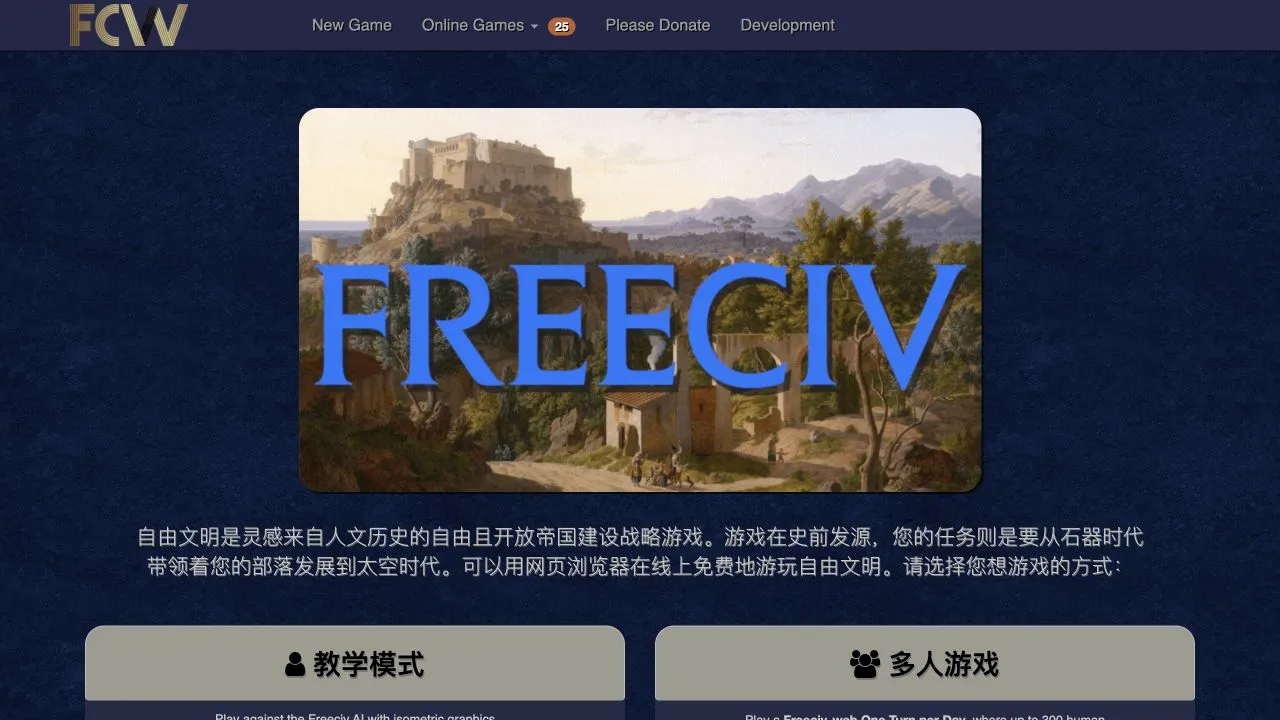
Start a Freeciv-web single-player, multiplayer, longturn, email, or hotseat game from the community host.
Host page checked ·
Access: Browser hostFiles: No original game file required
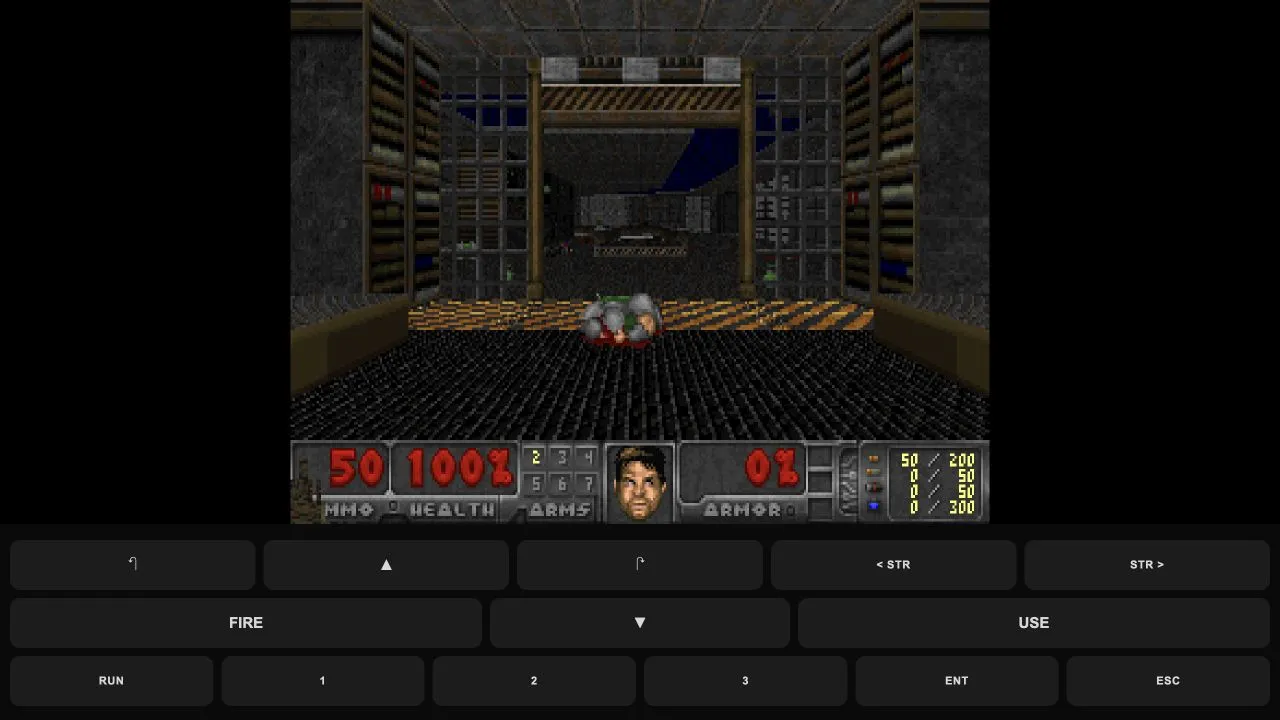
Play a Doom-compatible shooter with original Freedoom levels and browser keyboard or touch controls.
In-game state checked ·
Access: Browser hostFiles: Includes Freedoom data; no original Doom files required
No games match. Try another search or reset filters.
Compare access and file requirements for all gamesBEFORE YOU OPEN A GAME
The directory is designed to help you choose a host and understand the listed access requirements before opening a new tab.
Every Open game button goes to the listed project host. Local guides record what was checked there.
Browse hostsSome projects use a shareware start, some accept owned files, and some ask for a host account.
Compare requirementsUse the shared checks for loading, keyboard or mouse focus, sound, and browser storage.
Open troubleshootingPC & SOFTWARE GUIDES
Start with the question you have, record a baseline, and compare repeated runs before deciding whether a change helped.
HOW THIS DIRECTORY HELPS
A title and a thumbnail are not enough to decide where to click. The game cards identify the project host, genre, listed access method and original-file requirement. A guide adds the launch path, controls or specific caveats found during that check.
Hosts can change their rules, availability or browser support. Check the current host page when you open a game, especially before signing in, downloading anything or supplying files you own.
Games open on their own project hosts. This site does not host their files or run their accounts.
How sources and checks are handledGAME DIRECTORY FAQ
No. Each game opens on an independent project host. The local page explains the checked access details and links back to that host.
It depends on the project. Cards and guides label host sign-in and original-file requirements when those details were found.
No. This is an independent guide site. Radiant Optimizer downloads and purchases belong to the publisher’s own website.
Allow Google Analytics to measure visits and game-link clicks? Privacy details