
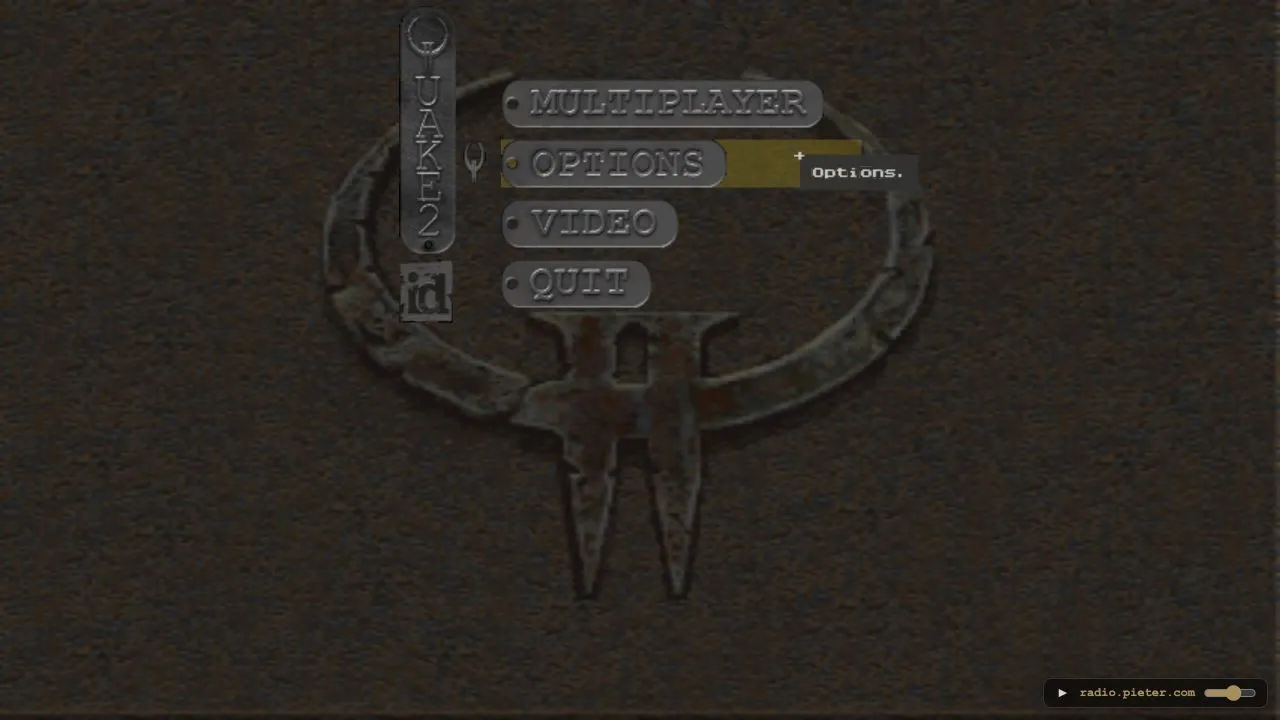
The Quake II page at q2.pieter.com is a non-commercial, unofficial preservation project. Its opening screen asks for a player name and provides a Play button. The project says that it runs real Quake II in a browser, supports up to eight players, and does not need an installation. It also says that it is not affiliated with id Software.
Open the Quake II browser project ↗
Start from the project page
- Open the project page in a current desktop browser and wait for the opening controls to appear.
- Enter a player name in the field provided by the host.
- Select Play and give the game time to load before clicking elsewhere or refreshing the tab.
- Once the game view appears, use the host’s current on-screen prompts to continue.
This route sends you to an external project. It is separate from this guide and from the Radiant Optimizer Windows software described elsewhere on this site. It is also separate from the original Quake II publisher and rights holder; do not read the presence of a browser project as an official release or endorsement.
What the project currently states
The opening page uses a live player-count and leaderboard layout. Those numbers, the available map, and the people currently connected can change between visits. Treat the page’s current status as the source of truth for a particular session. The published project description says it supports up to eight players, but that is a capacity statement, not a promise that a room will be available when you arrive.
The project credits FTE QuakeWorld as its engine layer. We do not host the game files, modify the host, or measure its framerate. This directory entry only records the documented entry point and the fact that the host presents a browser-play route without an installation prompt.
If a multiplayer connection times out
The opening route and game menu are separate from a completed multiplayer connection. If selecting a session ends with a connection timeout, return to the host page and check the current player and map information before trying again. A timeout can reflect the live session or host state; it does not establish that your browser needs a download, that the project has stopped working, or that changing a security setting is appropriate.
Retry once after the host has settled. If the same message returns, record its exact wording and the current browser version for the project rather than cycling through repeated reloads. This guide records the published opening path; it does not certify multiplayer availability at a particular moment.
When Play does not open the game
First, wait for the page to finish its initial work. Browser games with larger assets can take longer than a simple web page; repeatedly selecting Play or reloading can restart that work. If the project remains on its opening screen, reload once and try a current browser with extensions disabled for that tab where practical.
If you see a specific error or an incomplete game area, keep the visible wording and the browser version with your report to the host. Do not disable browser security protections to make an external game run. For generic checks such as tab focus, browser updates, site data, and hardware acceleration, see browser game troubleshooting.
For a different browser shooter, see Quake III in a browser. The game directory also records each host’s stated access and original-file requirements.
Sources
Check the sources below for current product details, requirements and terms.