
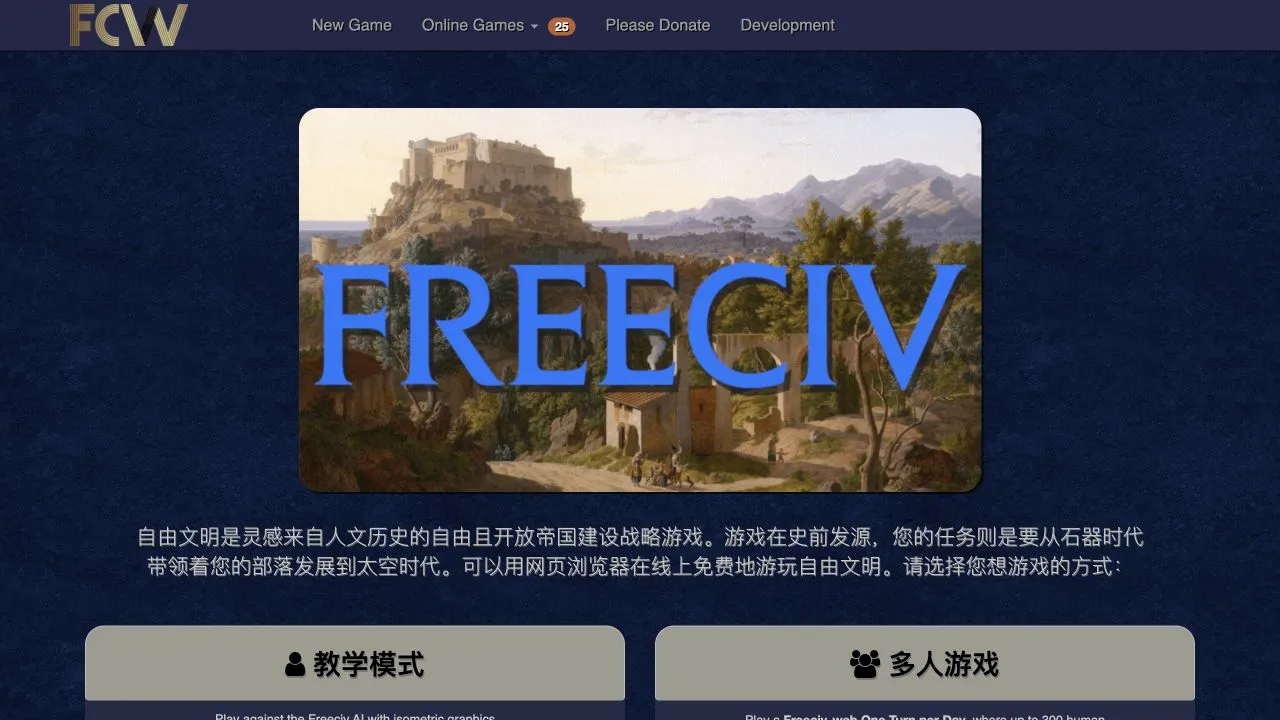
Freeciv-web is an open-source, turn-based strategy game implemented in HTML5 and WebGL. Its source project says it can be played online against other people or in a single-player game against AI opponents. The Freeciv-web README lists freecivweb.com as its main community site, where the current page offers Singleplayer, Multiplayer, LongTurn, Play by Email, and Hotseat routes.
Choose a mode before you start
- Open the community host and wait for the game-mode choices to appear.
- Choose New Game under Singleplayer when you want a game against the Freeciv AI.
- Choose one of the multiplayer routes only when its current description matches how you intend to play.
- Continue with the setup supplied by that specific mode.
The host labels LongTurn as a one-turn-per-day format. Play by Email is a separate mode that sends an email when it is your turn. Hotseat is for multiple people on the same computer. Those formats have different pacing and setup, so treating every button as an instant single-player game can lead to the wrong choice.
What Freeciv-web is and is not
The upstream project describes Freeciv-web as a free and open-source strategy game with an HTML5 2D version and a 3D WebGL version. It also lists multiple independent live servers. This guide directs to the community host named by the project’s README; it does not imply that every Freeciv-related domain is an active project host.
The host’s game counts, available public matches, maps, and notification features can change. Verify those details on the live page when you choose a mode. We do not claim a fixed number of available games, a particular lobby, or measured performance.
If New Game does not lead to setup
Wait for the host to complete its initial page load, then select the route once. If the next screen remains unavailable, refresh a single time and compare another current browser. A WebGL-enabled experience can depend on browser graphics support, so read any compatibility message before changing local browser settings.
If a multiplayer or play-by-email route asks for account or contact details, pause and read the host’s own privacy and signup information before submitting anything. This directory does not create accounts or receive those details. For general browser checks, use browser game troubleshooting.
For a different strategy of choosing a browser game by its access requirements, return to the game directory. To try a text-led game without a multiplayer mode choice, see A Dark Room.
Sources
Check the sources below for current product details, requirements and terms.