
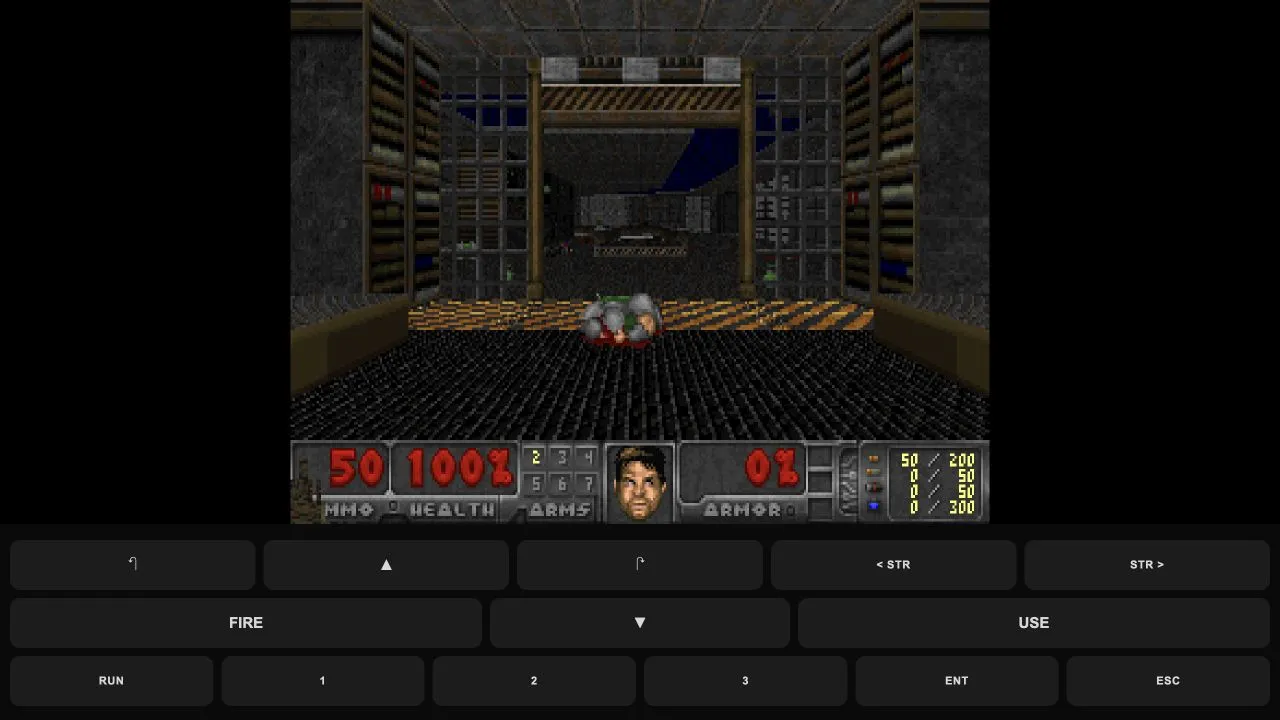
Freedoom: Phase 1
Play a Doom-compatible shooter with original Freedoom levels and browser keyboard or touch controls.
In-game state checked ·
- Host access
- Browser host
- Original game files
- Includes Freedoom data; no original Doom files required
CURATED BROWSER GAME COLLECTION
Classic games are easier to choose when the starting route is clear. This collection brings together browser projects with a known guide, then separates the entries that use shareware or an owned game file from projects that begin on their listed host.
These are independently hosted projects, not replacement installers or a catalogue of every original release. Read the requirement on each card before opening a new tab, especially for Quake and Diablo.
SOURCE-CHECKED GUIDES
7 linked projects
Kept on this browser. No account needed.
Play a Doom-compatible shooter with original Freedoom levels and browser keyboard or touch controls.
In-game state checked ·
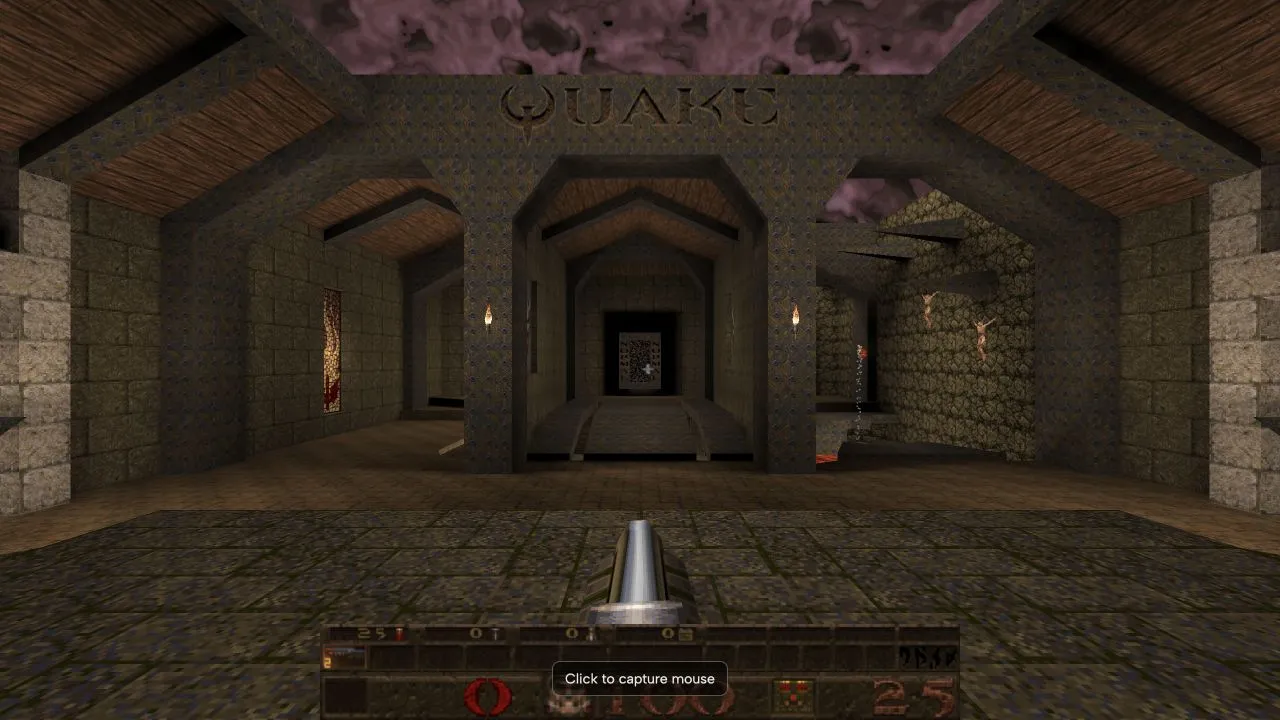
Start Episode 1 in NetQuake and learn how the new-game menu differs from its demo.
In-game state checked ·
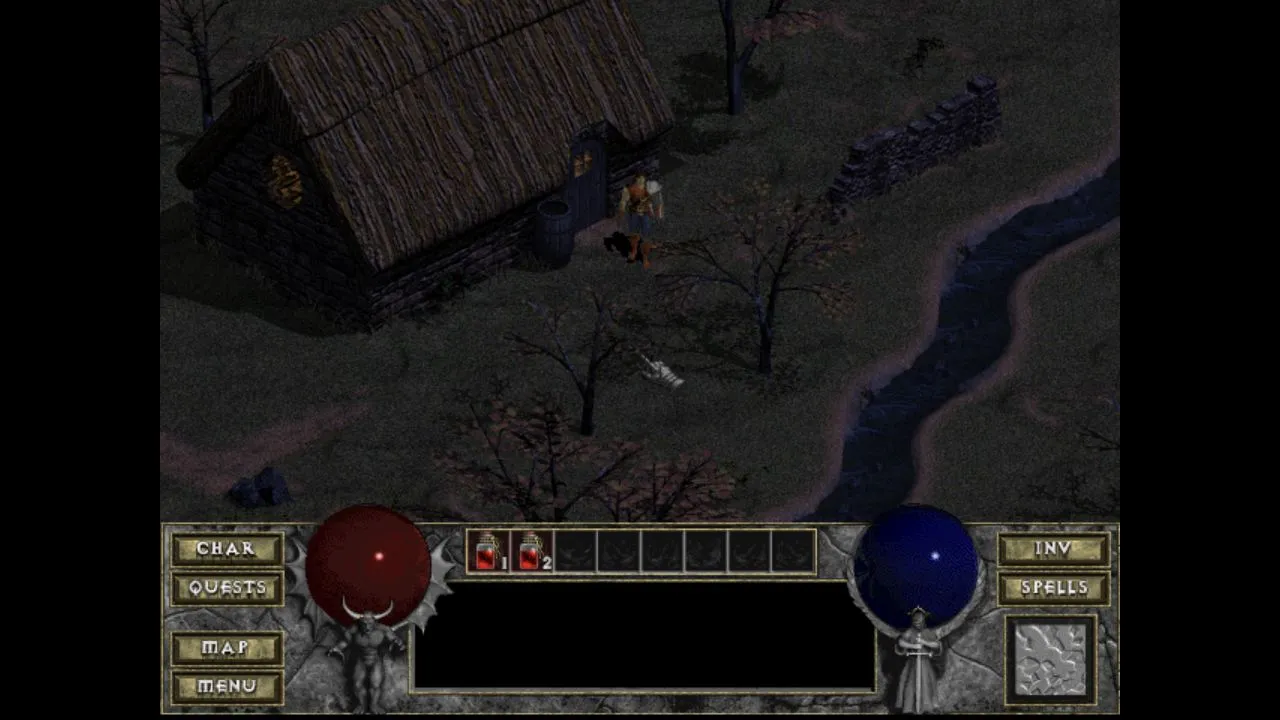
Choose DiabloWeb shareware or your own game data, then follow the single-player startup steps.
In-game state checked ·
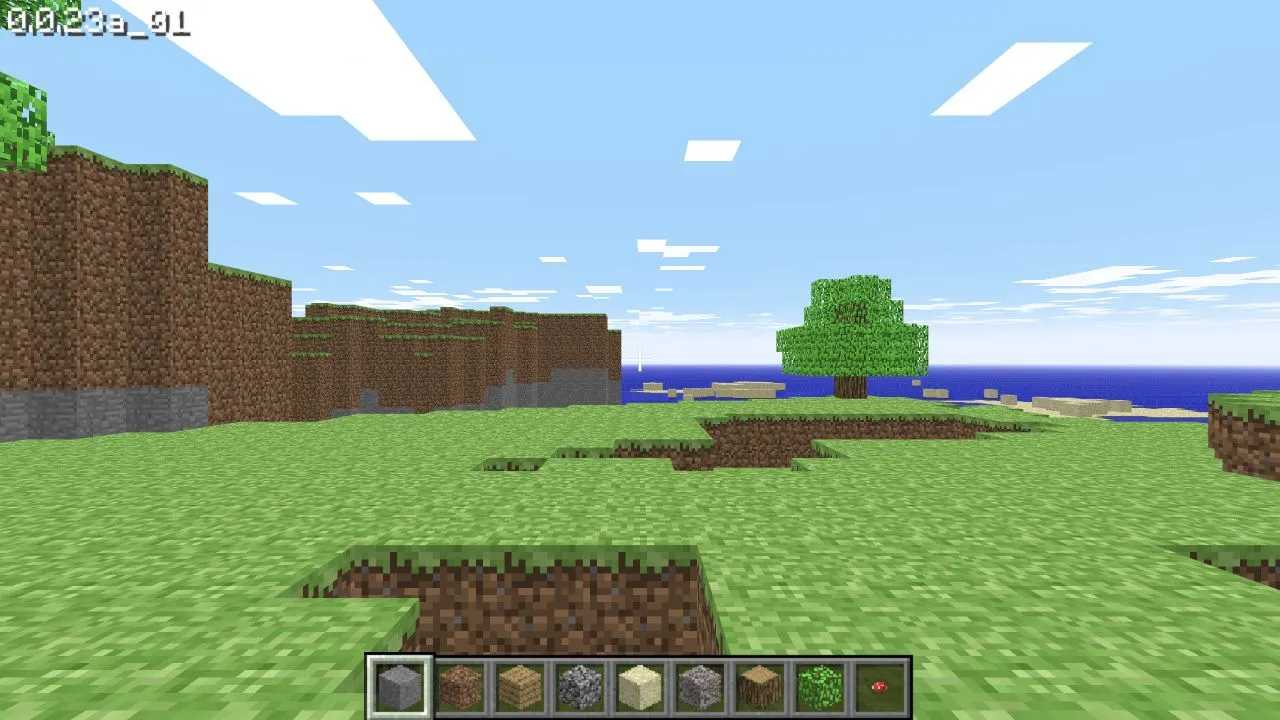
Open Minecraft Classic in a browser that supports its keyboard, WebGL, and WebRTC checks.
In-game state checked ·
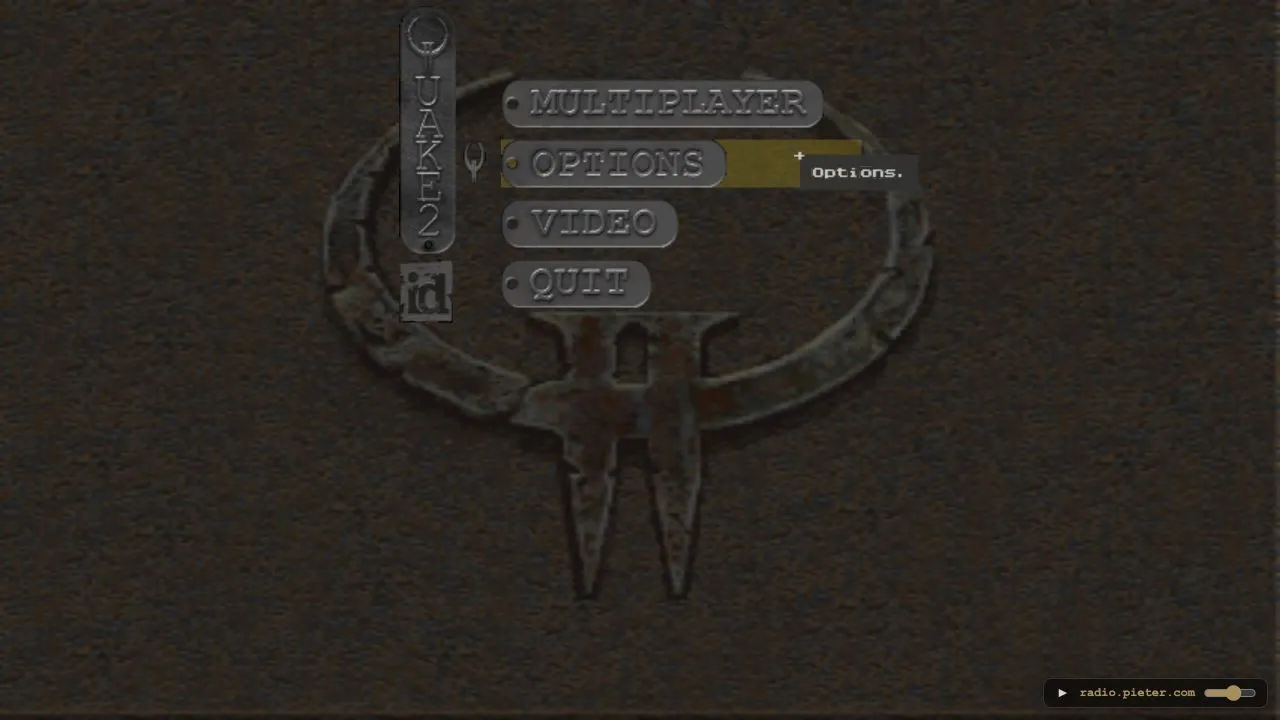
Set a player name and enter this unofficial Quake II browser preservation project.
Entry problem recorded ·
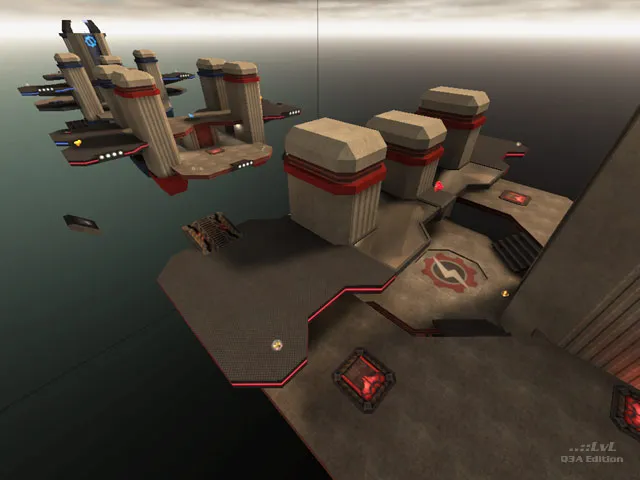
Set a player name and join the current map on this unofficial Quake III browser project.
Host page checked ·
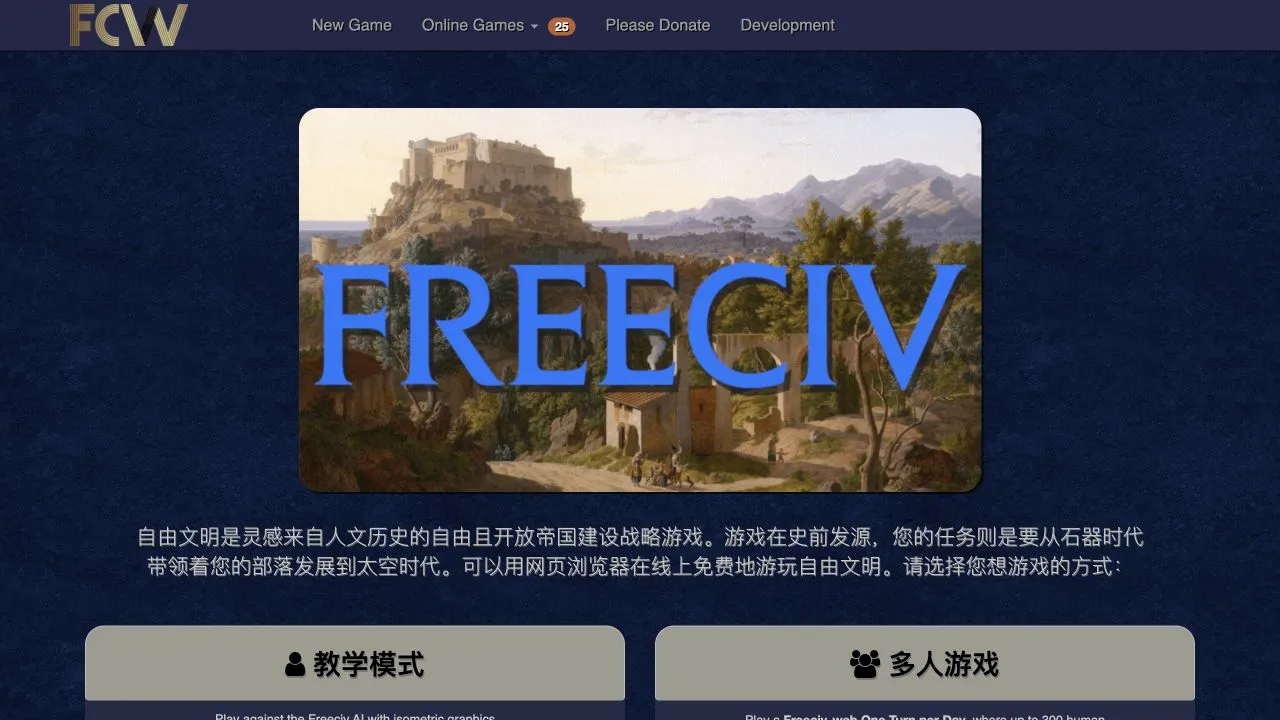
Start a Freeciv-web single-player, multiplayer, longturn, email, or hotseat game from the community host.
Host page checked ·
Each card shows its own check date. External hosts can change availability or access requirements after a check.
PRACTICAL STARTING POINTS
Quake begins with an Episode 1 route at NetQuake. Quake II and Quake III point to separate browser preservation projects, where the available map and host status can change.
DiabloWeb distinguishes its shareware route from the full-game route, which uses your own DIABDAT.MPQ. Its guide explains that choice before you reach a file prompt.
Minecraft Classic checks browser capabilities such as WebGL and WebRTC. Freeciv-web offers several current start routes on its community host, including single-player and multiplayer choices.
IF A PAGE STOPS AT THE LOADING SCREEN
Each entry links to a guide for its known starting route. For general browser focus, loading, graphics and saved-data checks, use the browser game troubleshooting guide.
COMMON QUESTIONS
No. They open the listed browser hosts. The Quake guide identifies an Episode 1 route and the Diablo guide distinguishes shareware from a full-game route that uses an owned data file.
Each project has its own access model. Check the card’s original-file label and open the local guide before choosing a route. A listed browser host does not establish that every release or expansion is available there.
Keep the tab open for the initial load, then use the project’s guide for its known start steps. For a generic blank or unresponsive page, use the browser game troubleshooting guide before changing browser security settings.
MORE BROWSER GAME GUIDES
Browse the full directory to compare every listed game by genre, host access and original-game-file requirement.
Allow Google Analytics to measure visits and game-link clicks? Privacy details