
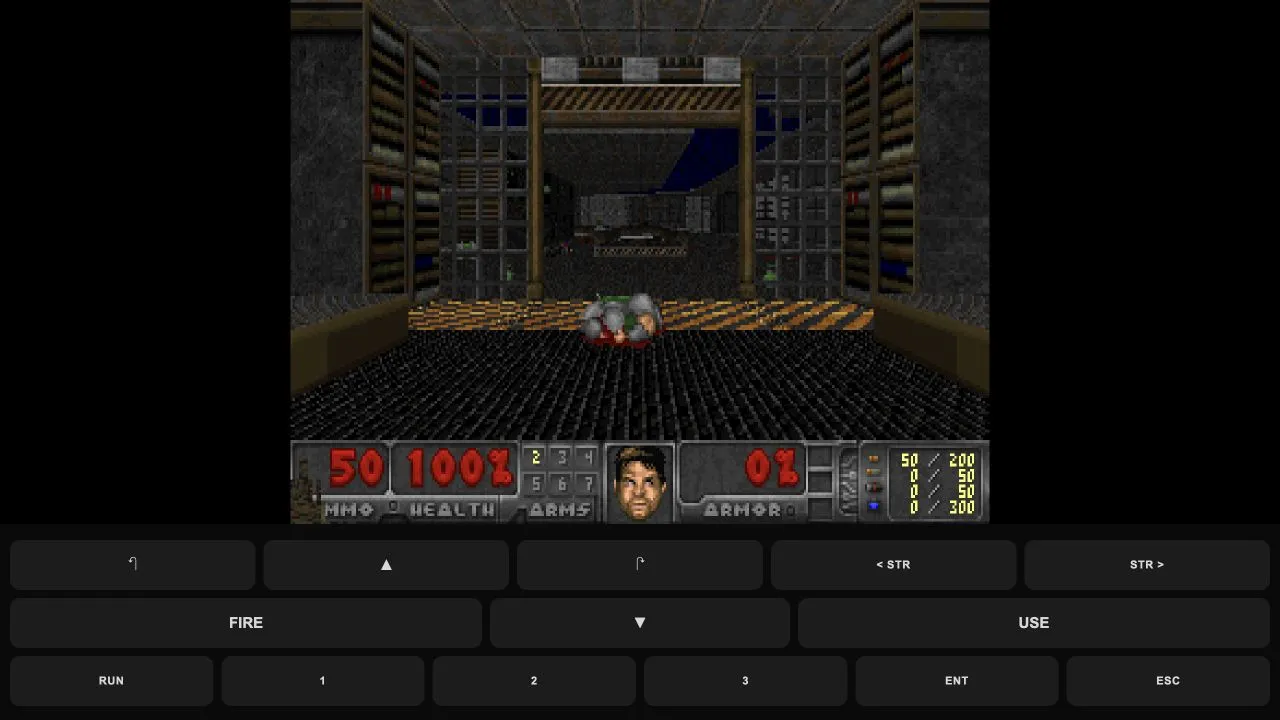
Freedoom: Phase 1
Play a Doom-compatible shooter with original Freedoom levels and browser keyboard or touch controls.
In-game state checked ·
- Host access
- Browser host
- Original game files
- Includes Freedoom data; no original Doom files required
CURATED SHOOTER COLLECTION
These shooter projects use different browser hosts and loading paths. The useful first question is not which game looks most familiar, but which entry has the start route and host requirements that match the session you have now.
Open the project only after checking its card. Freedoom provides original Doom-compatible game data without original Doom files; Quake has a documented Episode 1 route; Quake II and Quake III are browser preservation projects with host-controlled availability; Black Ops Zombies asks visitors to confirm its current host details.
SOURCE-CHECKED GUIDES
5 linked projects
Kept on this browser. No account needed.
Play a Doom-compatible shooter with original Freedoom levels and browser keyboard or touch controls.
In-game state checked ·
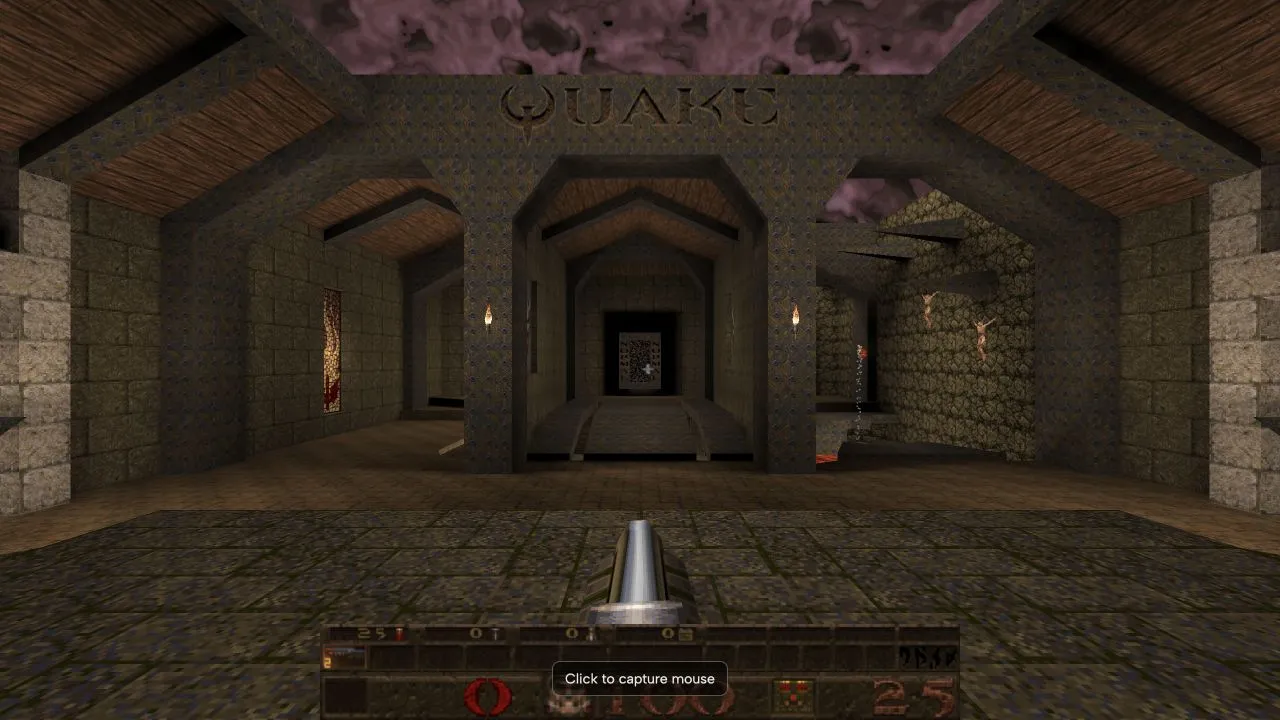
Start Episode 1 in NetQuake and learn how the new-game menu differs from its demo.
In-game state checked ·
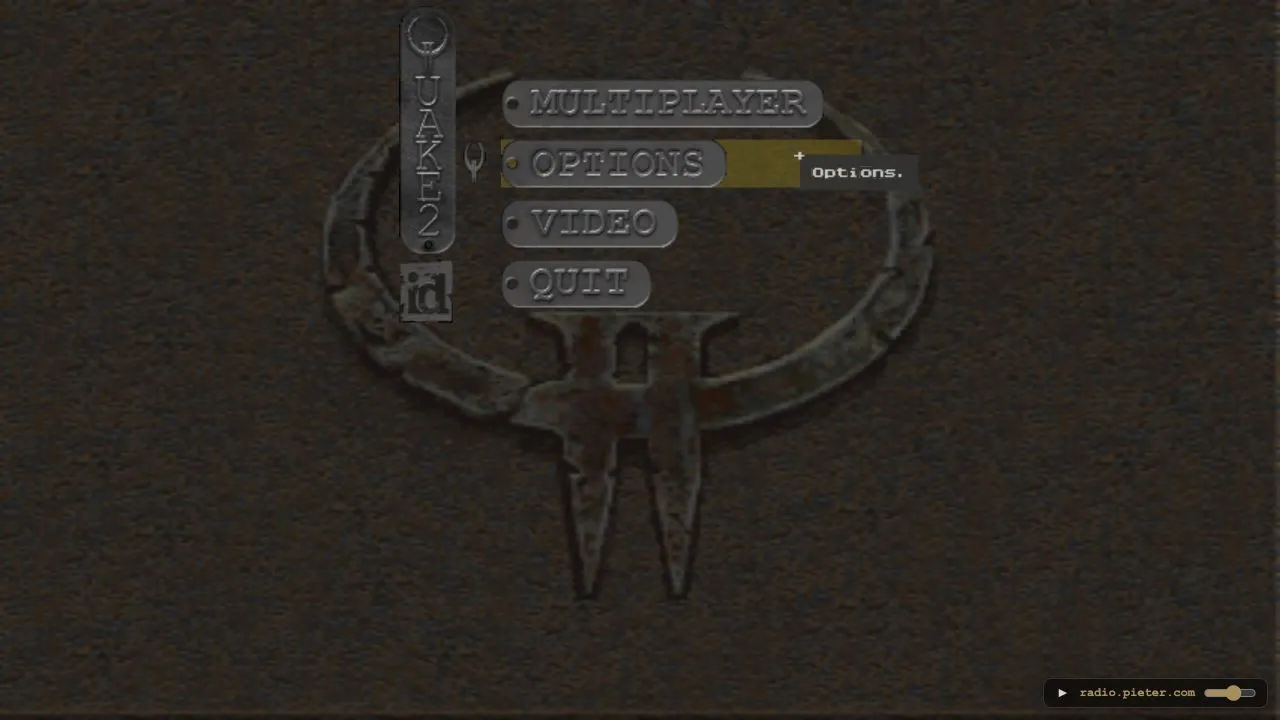
Set a player name and enter this unofficial Quake II browser preservation project.
Entry problem recorded ·
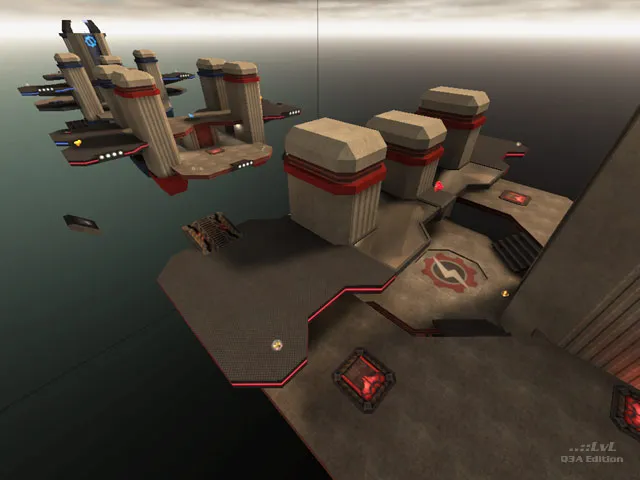
Set a player name and join the current map on this unofficial Quake III browser project.
Host page checked ·
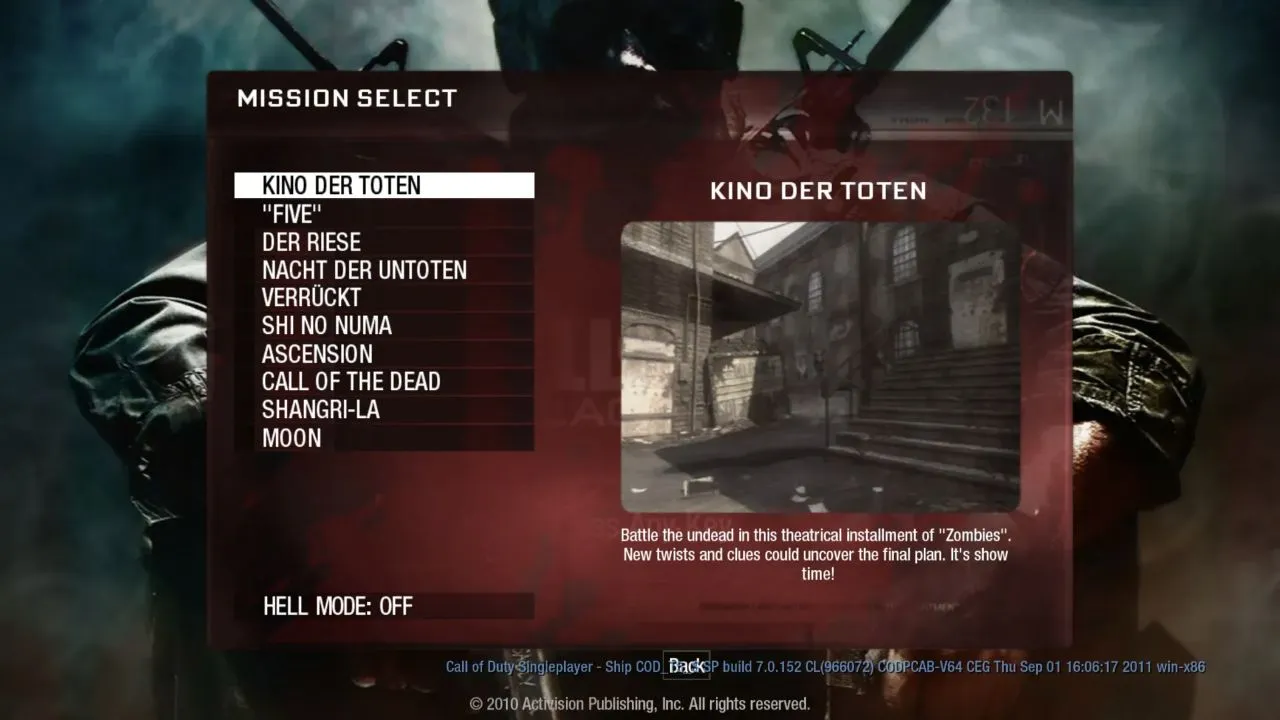
Find the map selector, understand Kino’s download stage and troubleshoot mouse access.
Entry problem recorded ·
Each card shows its own check date. External hosts can change availability or access requirements after a check.
PRACTICAL STARTING POINTS
The Quake guide covers the new-game menu and the difference between its demo behaviour and an Episode 1 start. It also notes the original-file requirement for the full game.
Both projects load resources from their own hosts. The Quake III guide advises allowing the initial resources to load before treating the route as failed; maps and host status can change.
The guide covers the map selector, the Kino download stage, and browser mouse or sound access messages. Its listing intentionally asks you to confirm the external host’s current access details.
IF A PAGE STOPS AT THE LOADING SCREEN
Each entry links to a guide for its known starting route. For general browser focus, loading, graphics and saved-data checks, use the browser game troubleshooting guide.
COMMON QUESTIONS
No claim of official status is made by this collection. Each card links to an independent project host and each guide identifies the host it describes. Check the host’s current page for its own terms and availability.
A browser project may load substantial game resources before it reaches a menu or map. Keep the tab open until the host shows a clear error; repeated reloads can restart that sequence.
Follow the visible browser permission prompt and your device’s policies. The Black Ops Zombies guide separates a completed map download from mouse or sound access, while the troubleshooting guide covers focus, graphics and saved-data checks.
MORE BROWSER GAME GUIDES
Browse the full directory to compare every listed game by genre, host access and original-game-file requirement.
Allow Google Analytics to measure visits and game-link clicks? Privacy details